How do I connect my CRM system?
NumNum offers integrations with various external systems, including CRM systems like Salesforce.
Available CRM integrations
Salesforce
Connect with Salesforce to synchronise customer data.
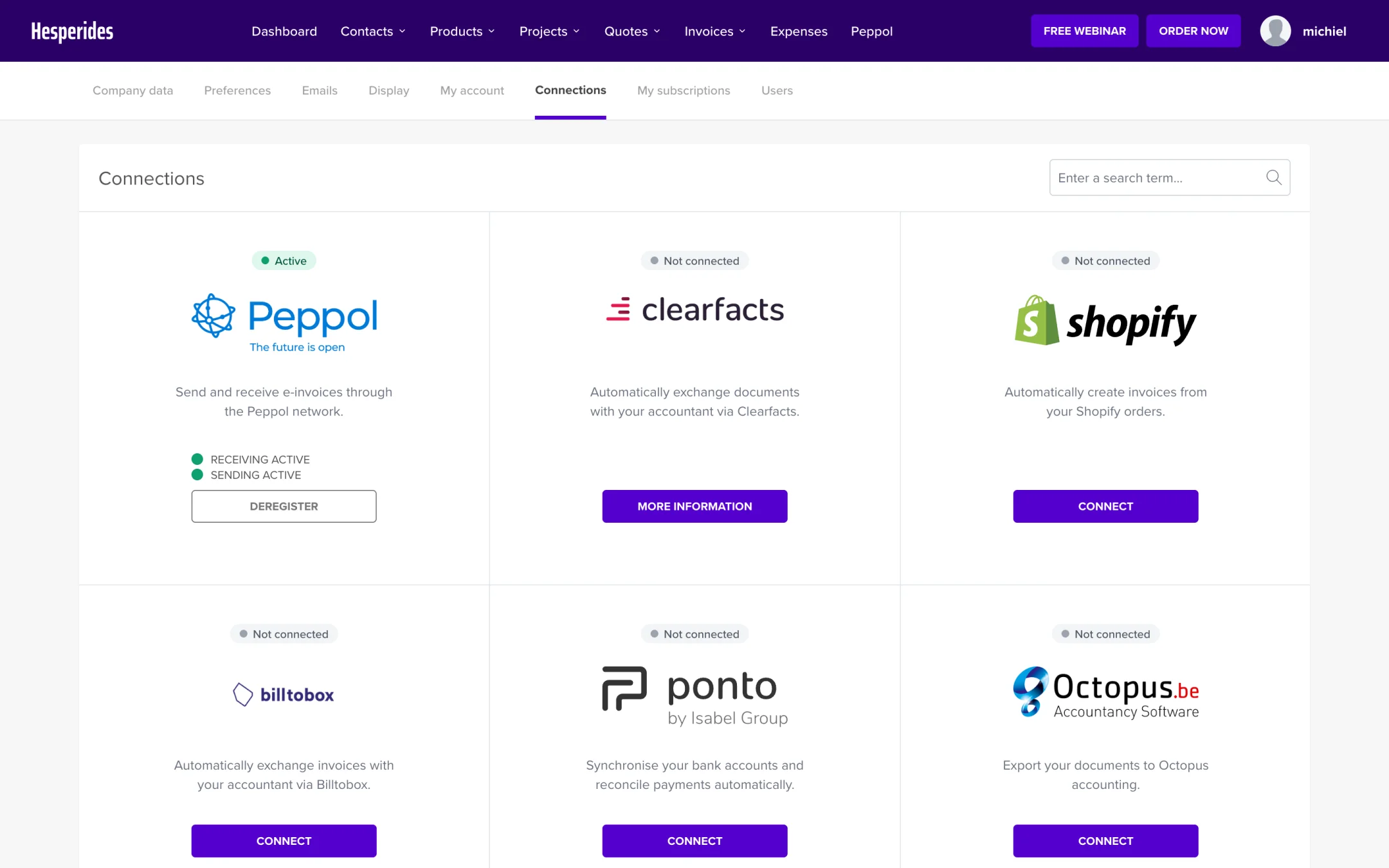
- Go to Connections in the main menu
- Click on Salesforce
- Follow the instructions to connect your Salesforce account
Other integrations
In addition to Salesforce, integrations are also available with:
- Shopify - Synchronise orders and customers
- Ponto - Bank integration for automatic payment processing
- BillToBox - Digital document processing
- Unpaid - Automatic payment reminders
API for custom integrations
For other systems you can use the API:
- Go to Connections > My APIs
- Generate an API key
- Use the API documentation to integrate with your own systems
💡 Tip: Contact our support team if you need help setting up a custom integration.
