The platform works with virtually all accounting software. Thanks to integrations with collection platforms and the digital mailbox, your documents can automatically reach your accountant regardless of which software they use.
There are three ways to send documents to your accountant:
Clearfacts and BillToBox are collection platforms that act as intermediaries. You send your documents to the platform, and from there they are automatically forwarded to your accountant’s accounting software.
This works with virtually all common accounting packages:
| Software | Via Clearfacts | Via BillToBox |
|---|---|---|
| Expert/M & Expert/M+ | ✓ | ✓ |
| Exact Online | ✓ | ✓ |
| Octopus | ✓ | ✓ |
| Yuki | ✓ | ✓ |
| Twinfield | ✓ | ✓ |
| BOB Software | ✓ | ✓ |
| WinBooks | ✓ | ✓ |
| Horus | ✓ | ✓ |
| Venice | ✓ | ✓ |
| Admisol | ✓ | ✓ |
| Sage (via Cloud Demat) | ✓ | ✓ |
| Winauditor | ✓ | ✓ |
💡 Tip: Ask your accountant which platform they use. They often already have a preference for Clearfacts or BillToBox.
For some accounting packages we offer a direct integration:
| Software | Integration type |
|---|---|
| Expert/M | UBL export via email |
| Expert/M+ | SFTP integration |
| BOB Software | SFTP integration |
| Wings | Direct integration |
| Octopus | Direct integration |
| Horus | Via digital mailbox |
| Admisol | Via digital mailbox |
| Billit | Via digital mailbox |
💡 SFTP integrations: For Expert/M+ and BOB Software we can set up an automatic SFTP integration. Contact help@numnum.be to configure this.
Many accounting packages (such as Horus, Admisol, and Billit) support a digital mailbox: a special email address linked to your accounting file. UBL files sent to this address are automatically imported into the correct accounting records.
Here’s how it works:
Each UBL file is now sent separately by email and automatically arrives in your accounting software.
💡 Tip: Ask your accountant for the digital mailbox email address of your file.
You can find all available integrations under Connections in the main menu.
With the Clearfacts integration, invoices are automatically forwarded to your accountant.
The integration is set up from Clearfacts via Single Sign-On (SSO):
BillToBox offers a direct integration with your accountant for exchanging documents.
Connect NumNum with Octopus for automatic synchronisation of your invoices.
With the Wings integration you can synchronise invoices directly with your Wings accounting system.
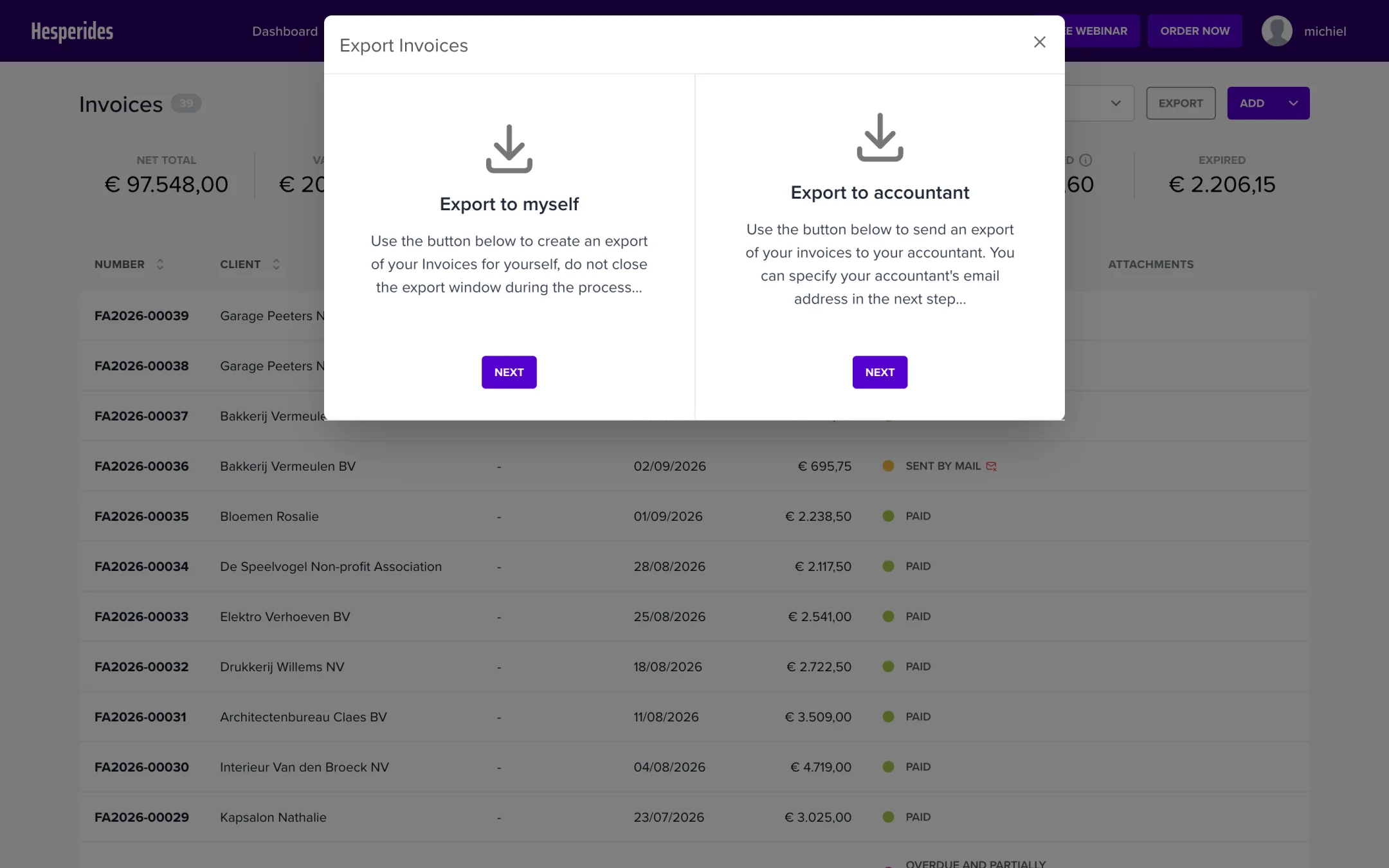
In addition to direct integrations, you can also export invoices manually:
No problem. Thanks to the standard UBL export and the broad support of Clearfacts and BillToBox, we can work with virtually any accounting software. Contact help@numnum.be if you have any doubts about compatibility.
