Yes, you can add multiple users to your company. This is useful for businesses with a team or when you want to give a colleague access. The number of users you can add depends on your subscription; at the top of the user list you can see how many users you are using and what your maximum is.
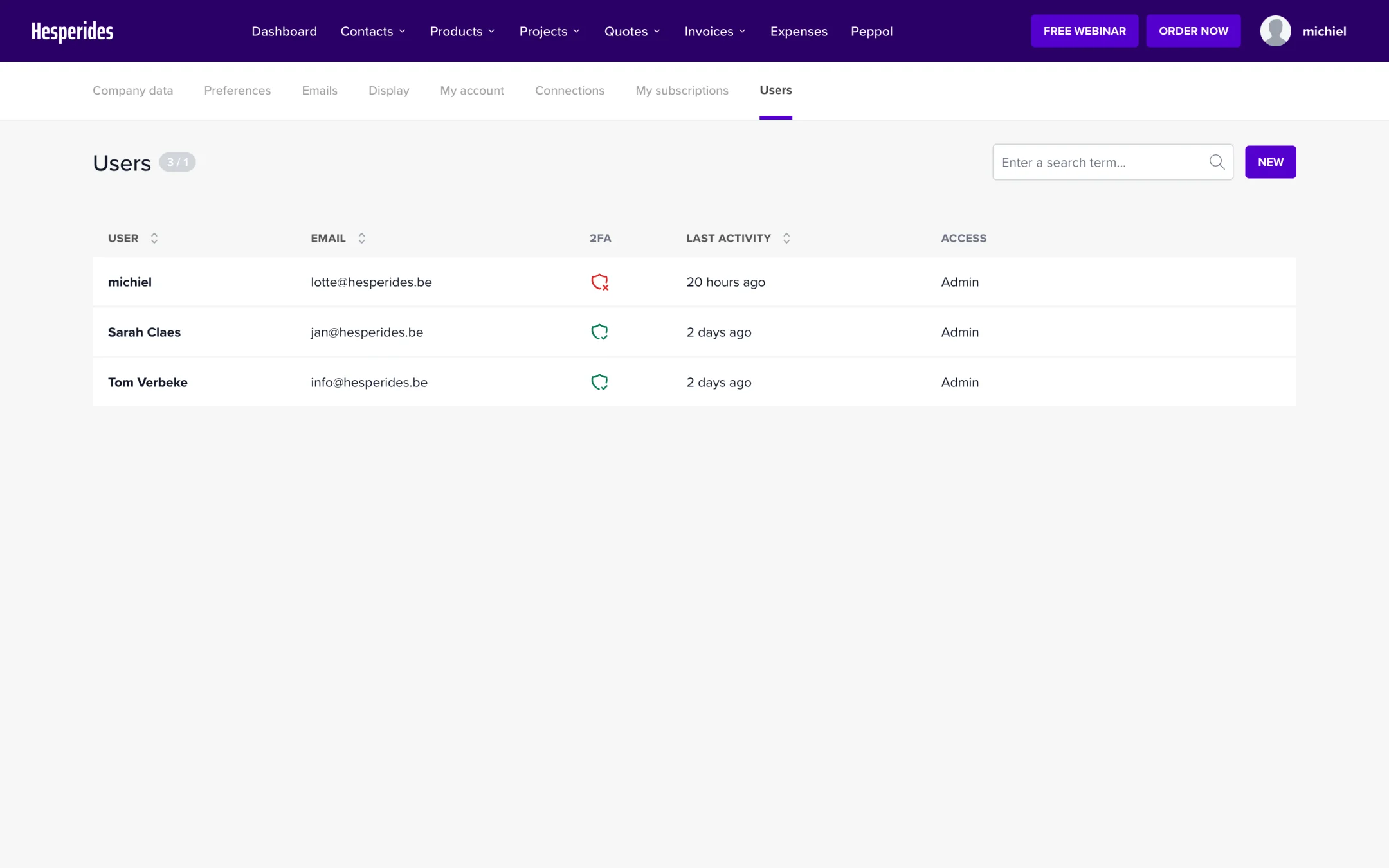
There are exactly two roles:
| Role | Permissions |
|---|---|
| Admin | Has access to all company documents and dashboards and can modify all settings |
| Employee | Has limited access; the admin configures in detail which modules and actions are accessible |
What an employee may do is determined by permission profiles: reusable sets of permissions that you set up once and can assign to multiple employees. Per module you tick which actions are allowed, such as read, create, update, delete and view prices. Via the Role & access button next to the user in the list, you assign the right profiles (availability depends on your subscription).
For details, see What are permission profiles and how do I use them? and Setting permissions per module.
💡 Tip: Only grant users the permissions they need for their tasks.
You cannot delete your own account, and you cannot change your own role or access channels either. This prevents accidentally locking yourself out.
