How do I change my password?
You can change your password through your account settings.
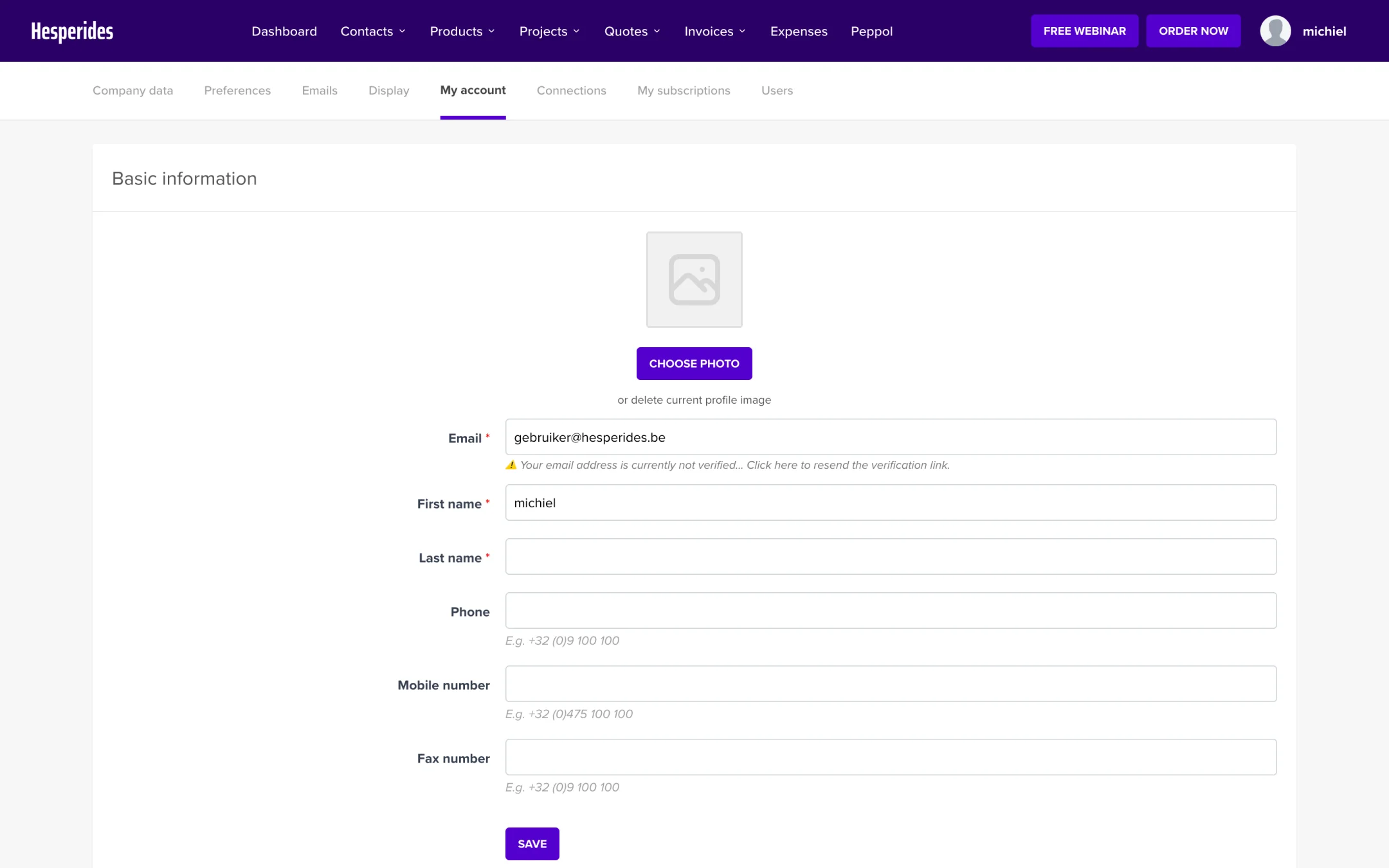
Step 1: Go to My account
- Click on your name in the top right corner
- Select My account
Step 2: Change your password
- Scroll to the Change password section
- Enter your current password
- Enter your new password
- Enter your new password again to confirm
- Click Save
Forgot your password?
- Go to the login page
- Click Forgot password?
- Enter your email address
- Check your inbox and follow the instructions in the email
💡 Tip: Didn’t receive an email? Check your spam folder or wait a few minutes.
Password requirements
Your password must meet these requirements:
- At least 8 characters
- At least 1 uppercase letter (A-Z)
- At least 1 lowercase letter (a-z)
- At least 1 number (0-9)
💡 Tip: Use a password manager such as 1Password or Bitwarden for strong, unique passwords.
