How do I add my company logo to invoices?
A professional logo on your invoices strengthens your brand identity. You can easily add your logo through the display settings.
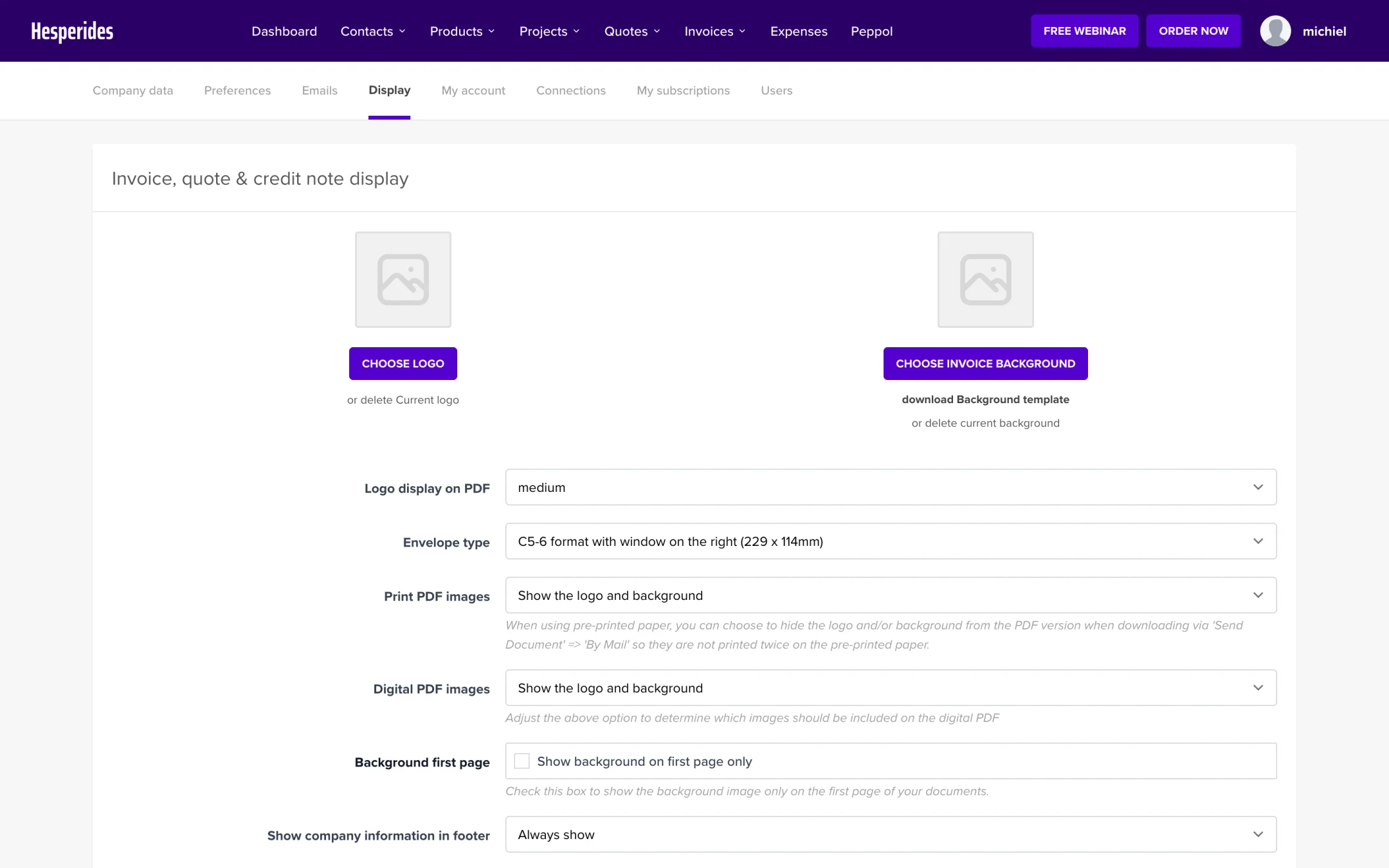
Step 1: Go to Display
- Click on your name in the top right corner
- Select Display
Step 2: Upload logo
- Click Choose logo
- Select your logo file from your computer
Your logo is uploaded as soon as you select the file, there is no need to click “Save”. Want to remove the logo? Click delete Current logo.
- PNG (recommended - supports transparent background)
- JPG/JPEG
- SVG
💡 Tip: Use a PNG with a transparent background for the best result. Maximum file size is 2MB.
Troubleshooting logo issues
Logo is blurry?
- Upload a higher resolution version (at least 200 pixels wide)
- Use PNG instead of JPG
Logo doesn’t fit well?
- Ideal dimensions are approximately 400 x 150 pixels
- Make sure the logo is not too wide or too tall
