The Pocket Companion is your mobile companion: above all for checking what you need on the go, with a few handy actions to add things yourself.
You can view these documents in the app, including the PDF:
ℹ️ Documents such as invoices and quotes are created in the web version. In the app you view them, knowing you always have the latest version at hand.
You can add a few things directly in the app:
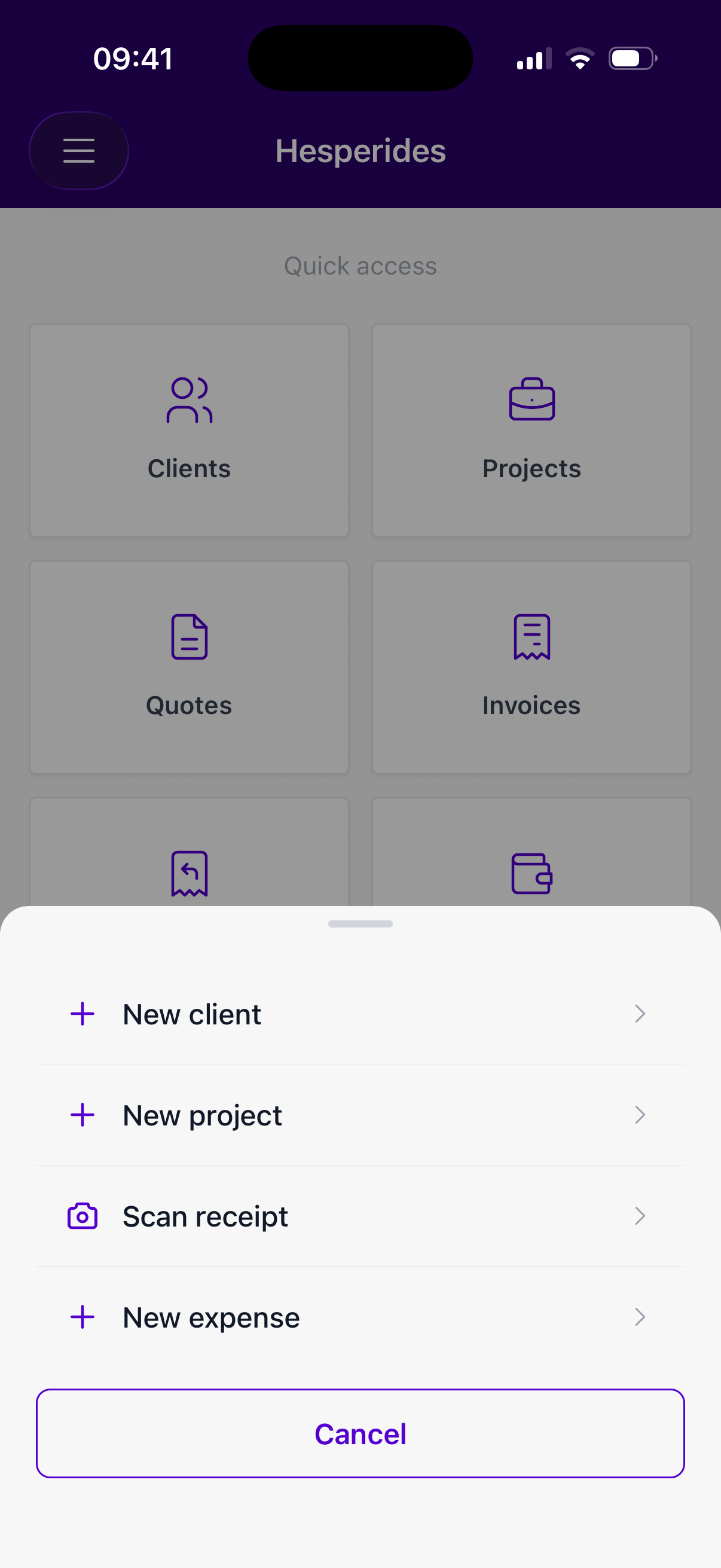
Use the + button to quickly add a new client, project, expense or scan:
The menu (top left) takes you to all modules. The home screen also shows quick-access tiles for what you use most.
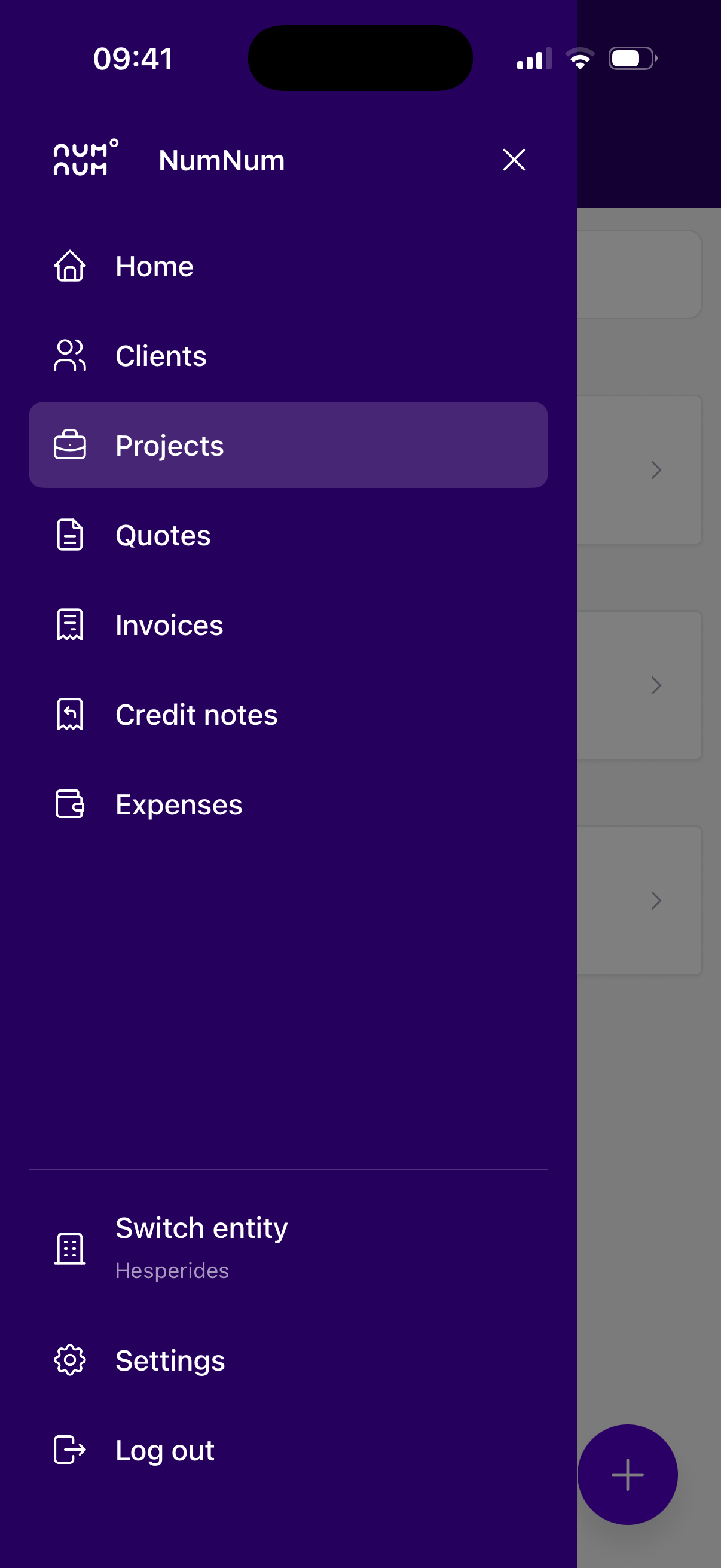
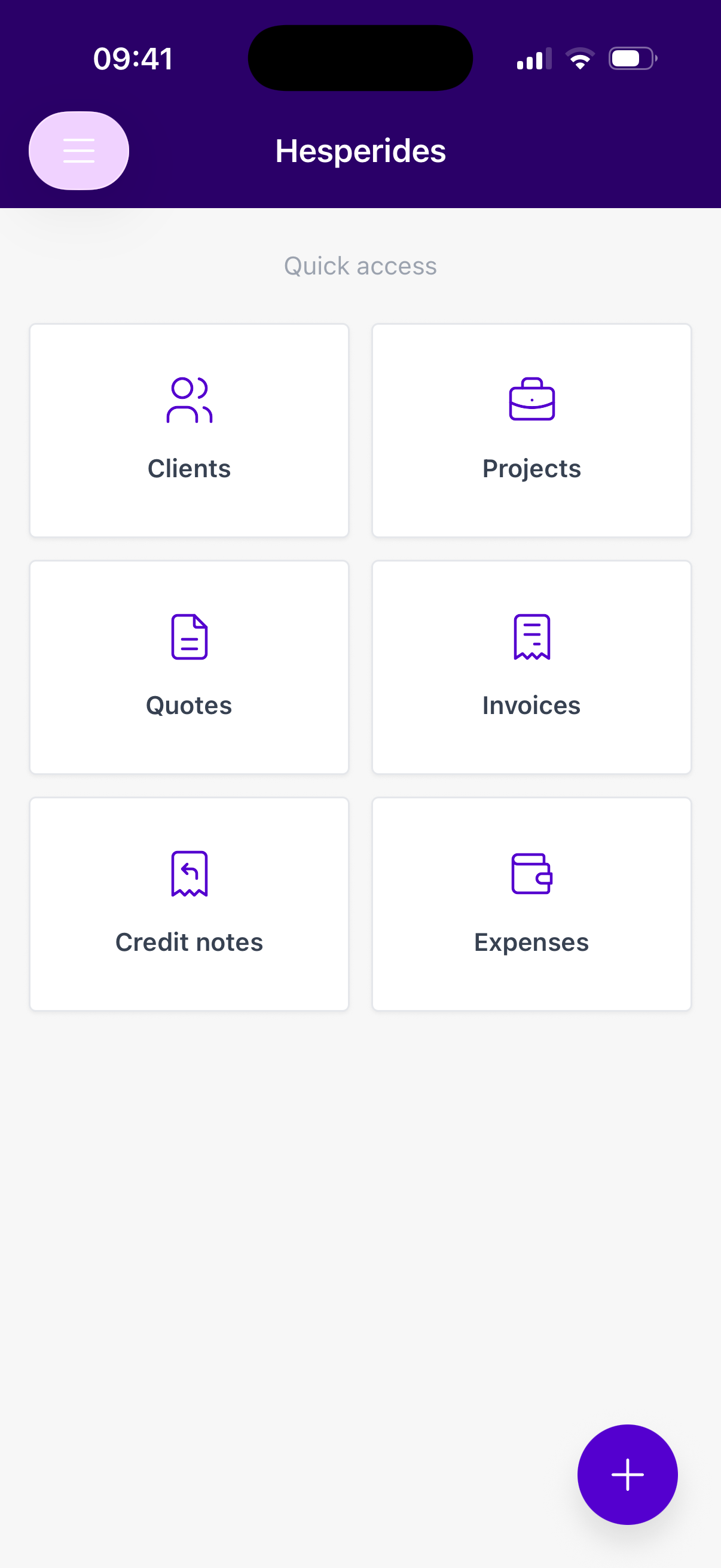
💡 Don’t see a module? Then your profile doesn’t have access to it (yet), or it isn’t available for your company. Check with your administrator.