Logging in with a QR code (and letting employees log in)
You can log in to Pocket Companion without typing your password: scan a QR code that you generate in the web version. Ideal to quickly log in yourself, or to let an employee log in on their own device.
Logging in yourself with a QR code
- Open the web version on your computer.
- Click your name in the top right corner → Mobile app.
- A QR code appears under Quick sign-in with QR.
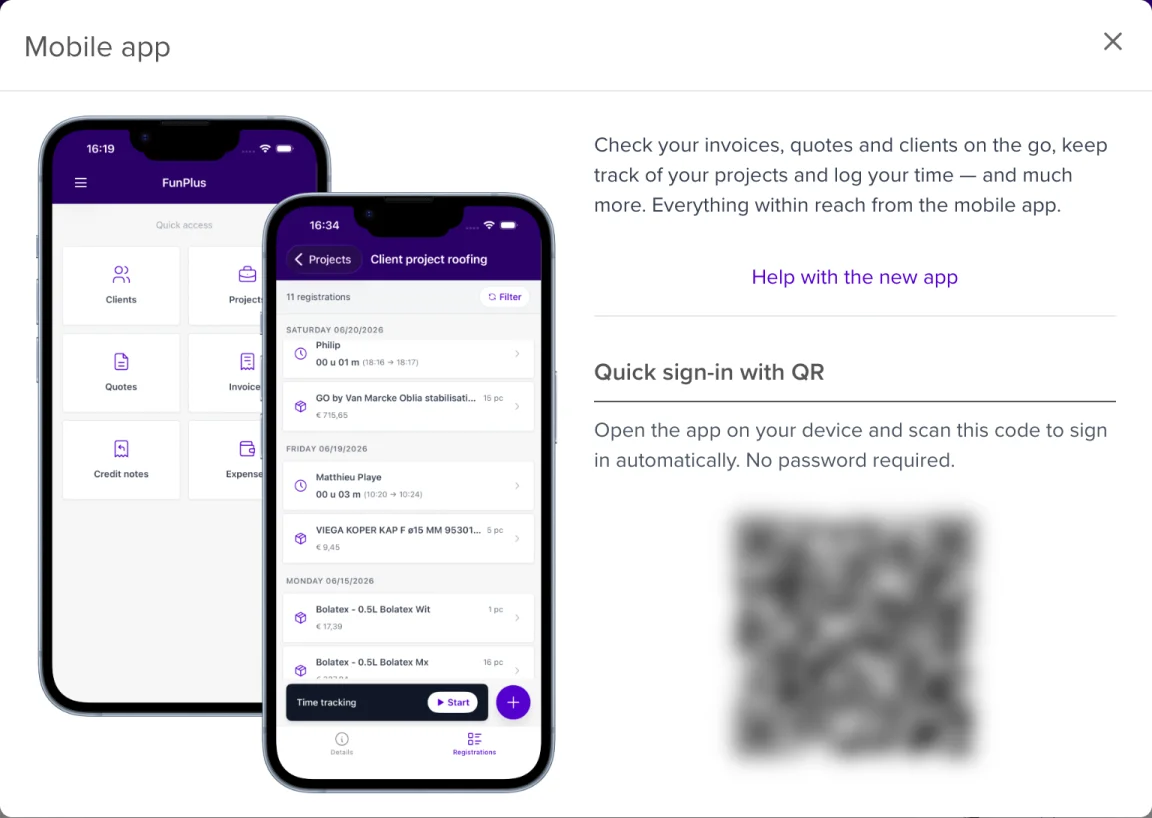
- Open the Pocket Companion on your phone and tap Scan QR code on the login screen.
- Point your camera at the QR code. You are logged in instantly, no password needed.
⏱️ Limited validity: a QR code is valid for 5 minutes and can be used once. Expired? Just generate a new one.
Letting an employee log in
As an administrator, you can let an employee log in without sharing their password:
- Go to Users in the web version.
- For the right employee, open the action Show QR sign-in for employee.
- A QR code appears for that employee.
- Have the employee scan the code with the Pocket Companion on their own device.
The employee is now logged in to their own account, on their own phone.
🔒 Secure: the employee QR code is also short-lived and single-use. Never share a QR code by email or chat. Only show it directly on screen.