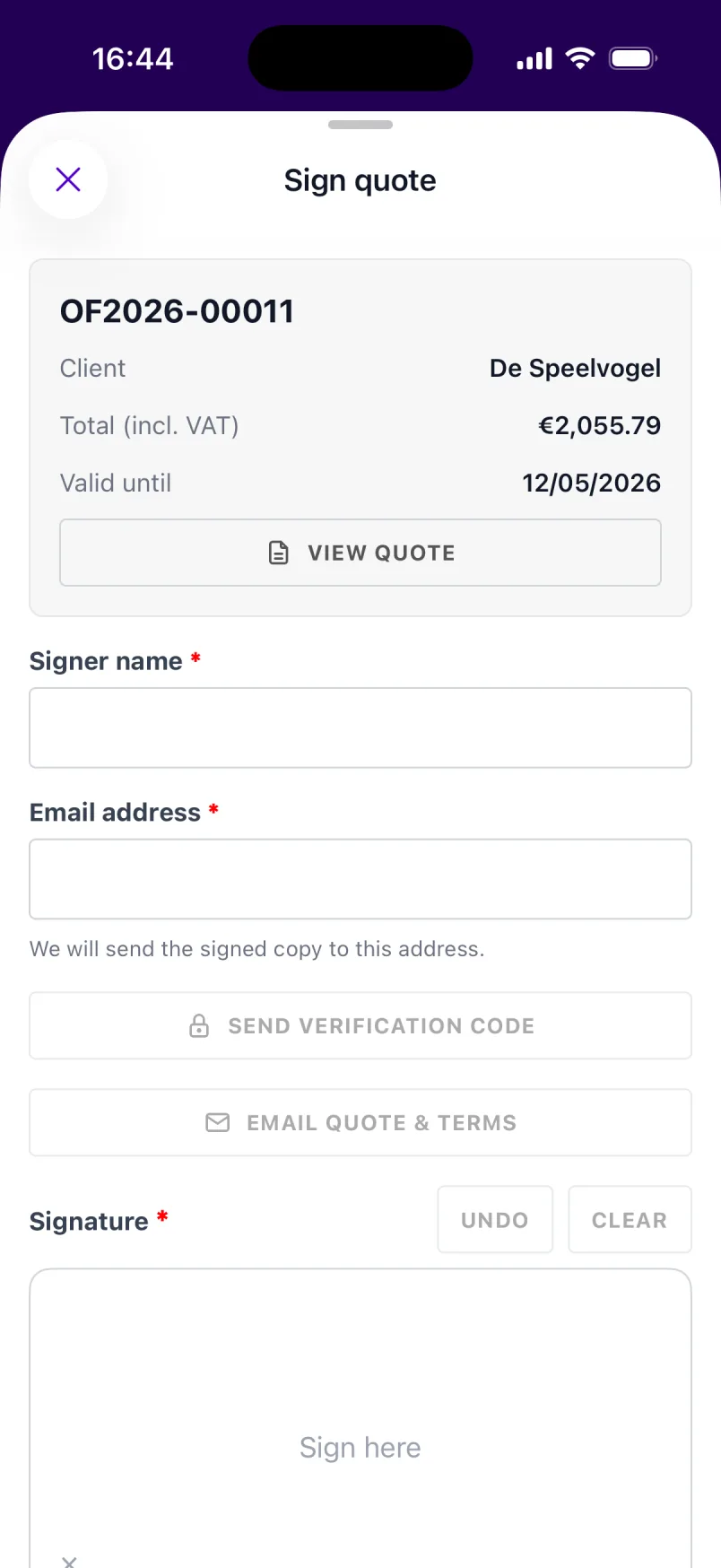
Are you with your client and do they agree with your quote? Then let them sign it right away on your phone or tablet. They receive a verification code by email, sign with their finger, and you both get a signed copy.
ℹ️ Signing on site is part of digital signing, a paid add-on on top of your subscription. You also need the permission to edit quotes. See Having quotes signed digitally for how it works via the client portal.
The quote is now Approved. Both your client and you receive a signed copy by email.
💡 Does your client want to read the quote and the terms in peace first? Tap Email quote & terms to send them to the address you entered.
If the code doesn’t arrive, first tap Resend code (the app shows how long you need to wait). Still not working? Then you can choose Didn’t receive the code? Sign without verification. Your client’s email address is then not confirmed, and the signature is also stored as “not verified”.
If the quote has already expired, you see this at the top. Signing is still possible, but discuss the terms with your client. Before you approve, the app asks you to confirm with Sign anyway.
Tap Decline. Fill in your client’s name and email address, optionally with a reason, and tap Decline quote. The quote gets the status Rejected.
You don’t see Request signature, or the app says the quote can’t be signed (anymore), if:
You can see afterwards who signed and how via the info icon (Document info) on the quote.
