What are the basic steps for the initial setup?
Follow this checklist to set up the platform correctly.
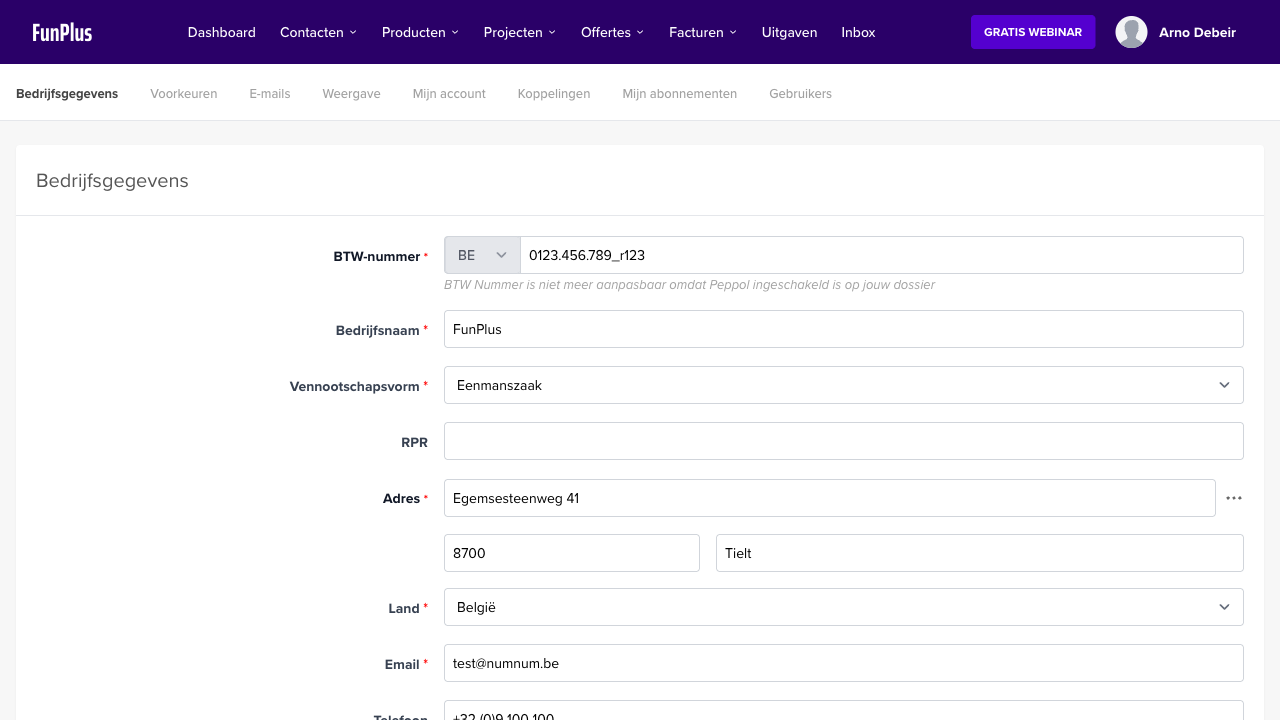
1. Fill in company details
- Go to Settings > Company
- Fill in your company name, address, VAT number, and contact details
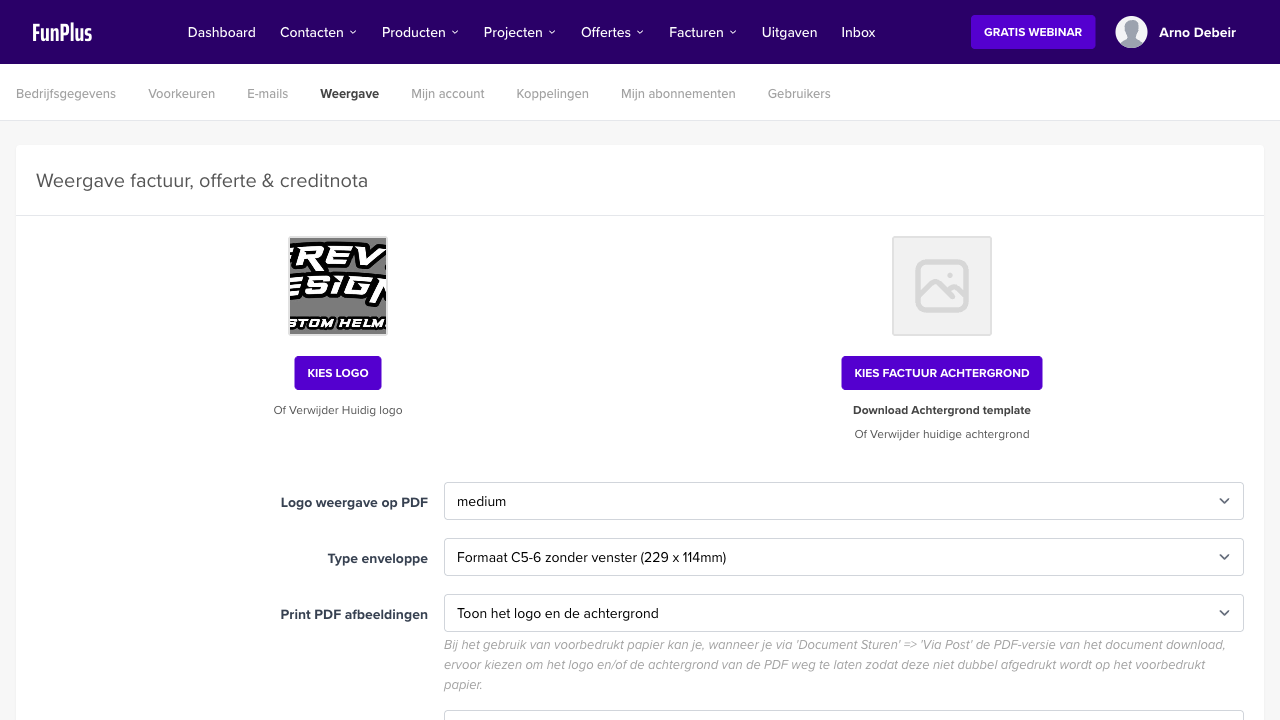
- Go to Appearance
- Set your starting number, payment terms, and invoice template
3. Add your first customers
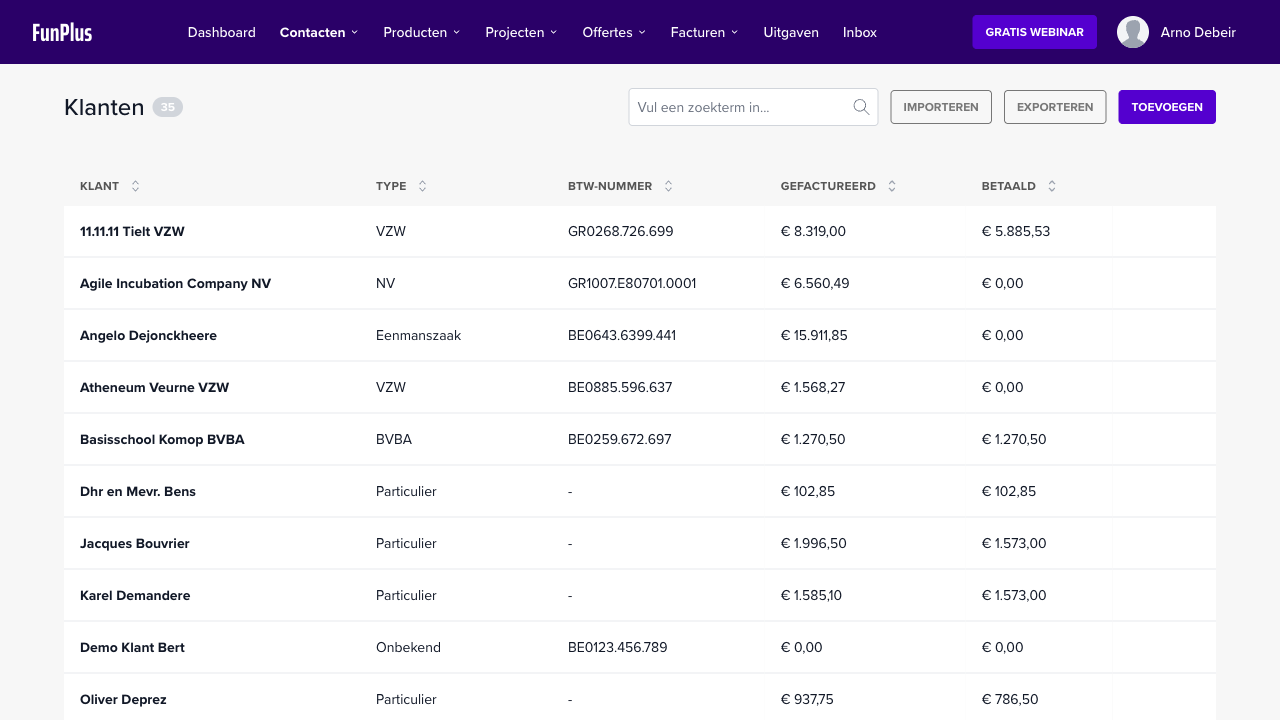
- Go to Customers
- Click on New customer
- Fill in the name, email address, address, and VAT number
4. Create products (optional)
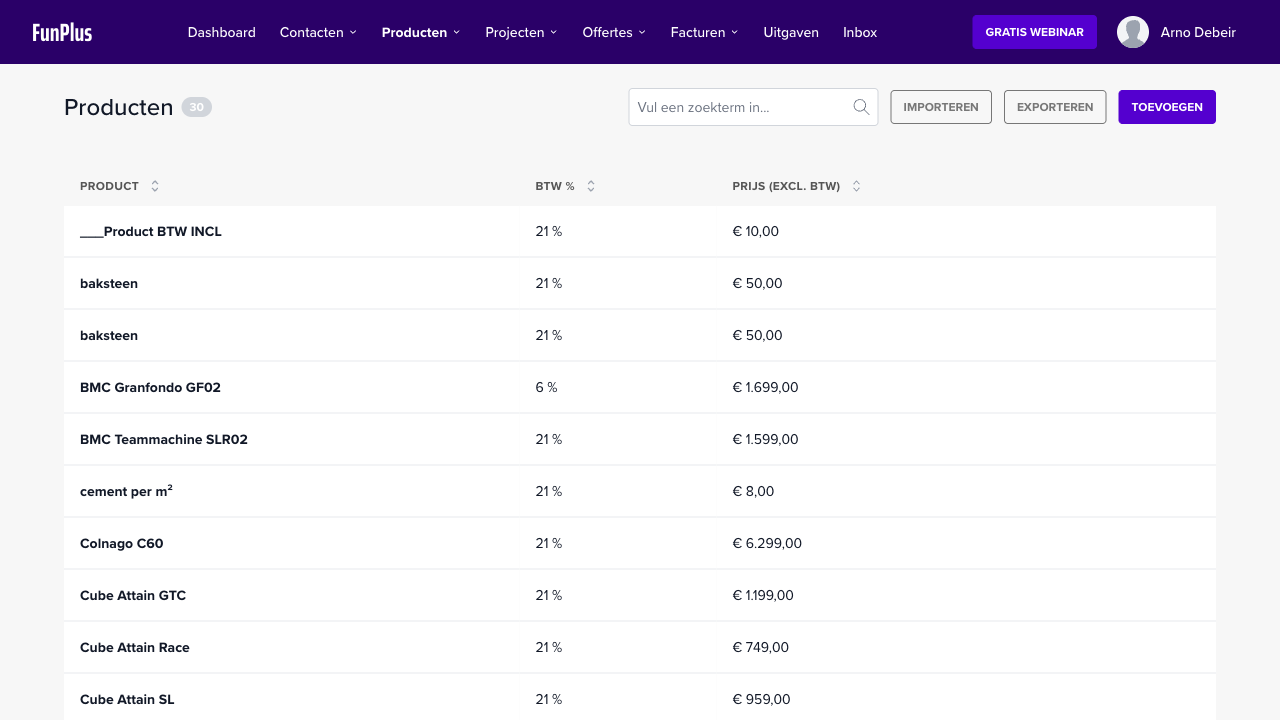
- Go to Products
- Create your most sold items with name, price, and VAT rate
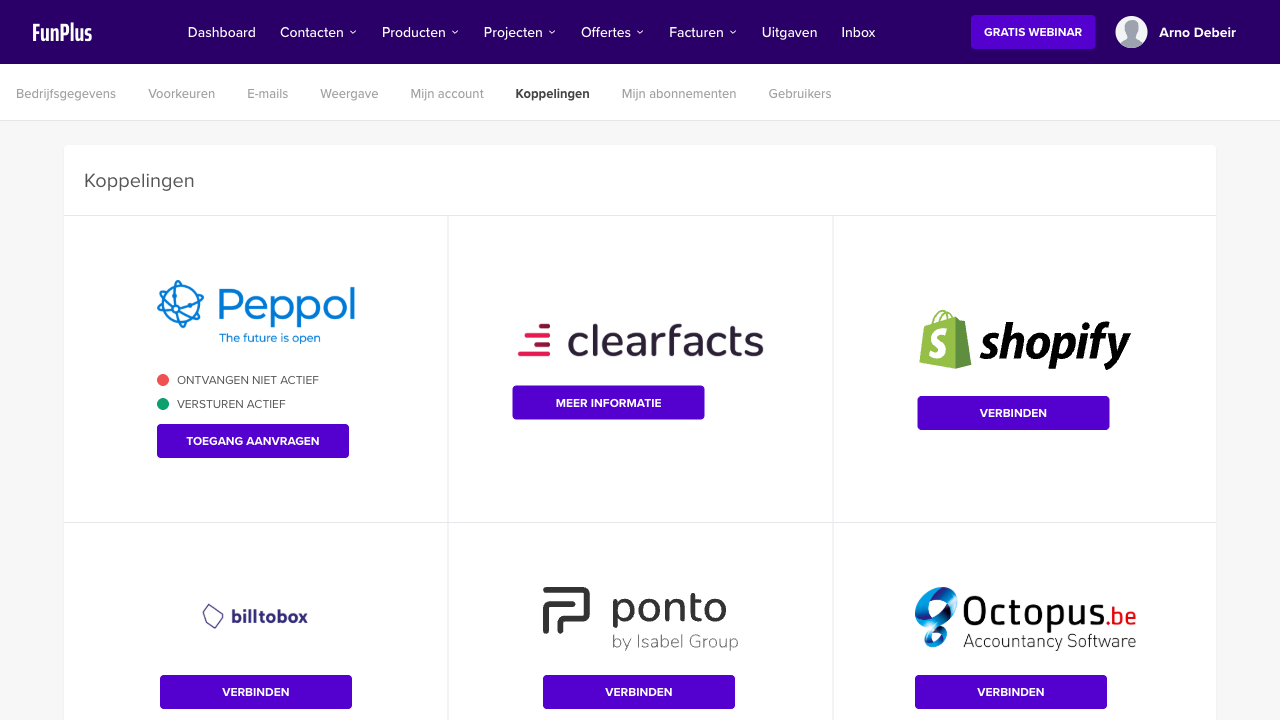
5. Activate Peppol (optional)
- Go to Integrations > Peppol
- Activate your Peppol endpoint
💡 Tip: Contact help@numnum.be if you need help with the setup.
 Knowledge Base