To ensure that your invoices are successfully sent via Peppol, you need to correctly follow two important steps:
Once these two points are correctly configured, you can start sending B2B and B2G invoices via Peppol.
Click on the “three dots menu” to the right of the invoice to open the menu, and choose “Send”.
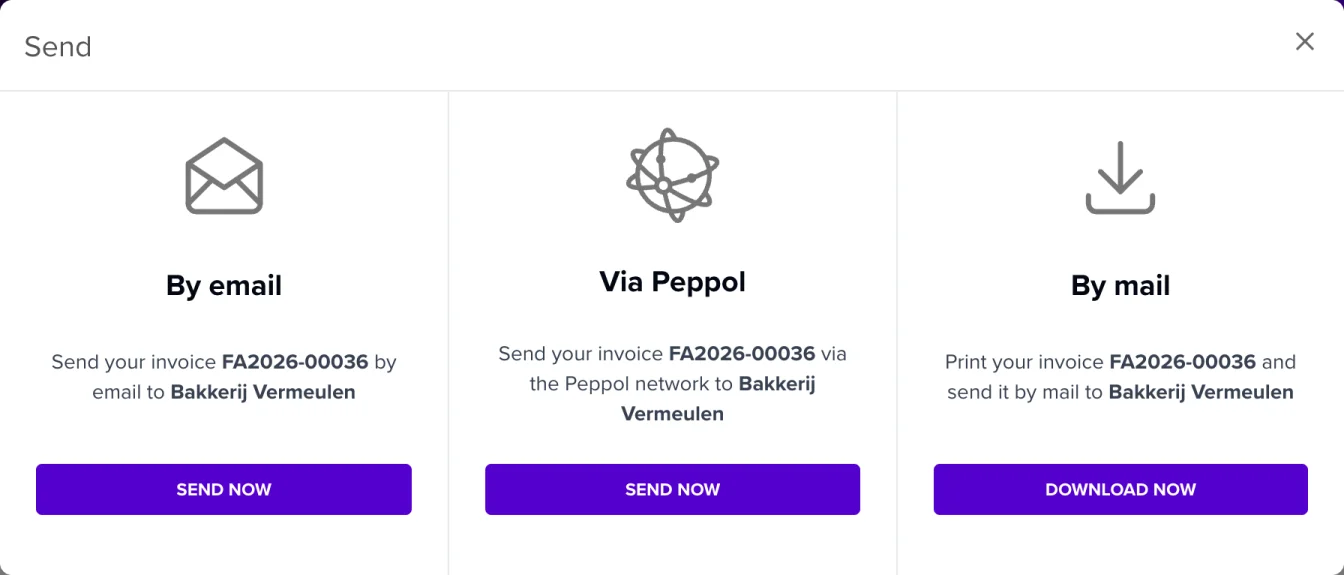
The Send window opens. In the middle, choose Via Peppol and click Send now. Note that this option will only be available for invoices to your B2B or B2G customers, and not for private individuals!
The “Send invoice via the Peppol network” window opens. In this window, check your customer’s Endpoint ID once more. If you also want to send a traditional email along with the Peppol invoice, check the box “Send additional email together with Peppol sending”. Then click “Send”. Done!
