When sending an invoice via Peppol to a government institution, there are a number of important points to keep in mind. In this article, we explain why adding an order number (PO number) is often crucial, and how to fill it in correctly.
Government institutions use Mercurius, the Belgian platform that receives and sorts Peppol invoices for the government. To ensure that your invoice is correctly processed there and reaches the right department, it is often mandatory to include an order number or PO number in the Peppol invoice.
Note: if this number is missing, your invoice will still be delivered, but it cannot be correctly sorted within the government’s administration. This can lead to late or incomplete processing and payment.
If you send an invoice without the correct order number:
In that case, you need to:
For an overview of all available reference fields (buyer reference, contract and project number), see Advanced Peppol options: references.
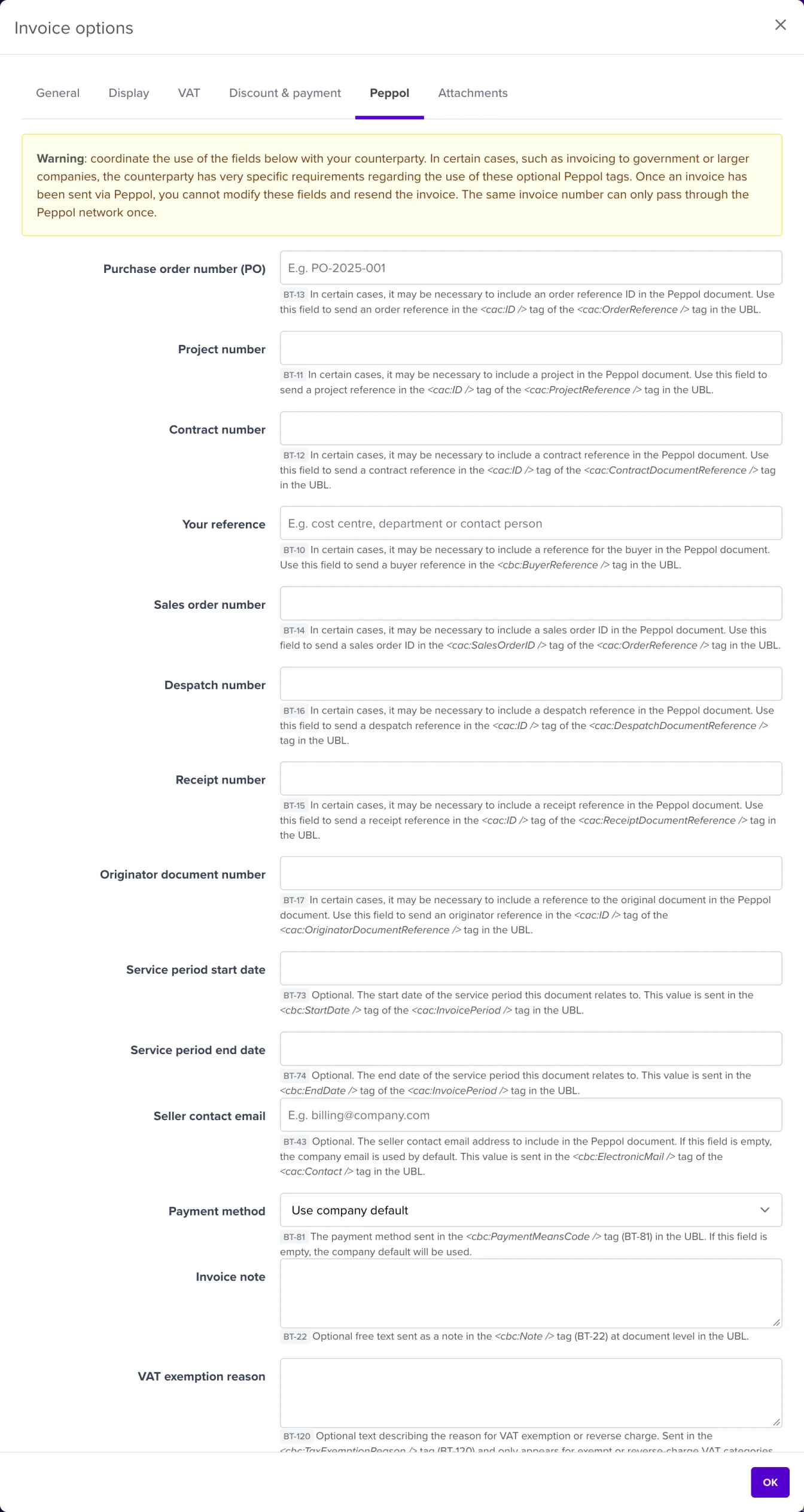
We recommend always checking with your customer first whether an order number is required. In 9 out of 10 cases with government agencies, it is, but it remains the sender’s responsibility to coordinate this correctly.
