Clearfacts is a digital document platform that allows you to share invoices, credit notes and other accounting documents with your accountant. Through the integration between NumNum and Clearfacts, you can send documents directly to your accountant’s Clearfacts file.
The integration is set up from Clearfacts via Single Sign-On (SSO):
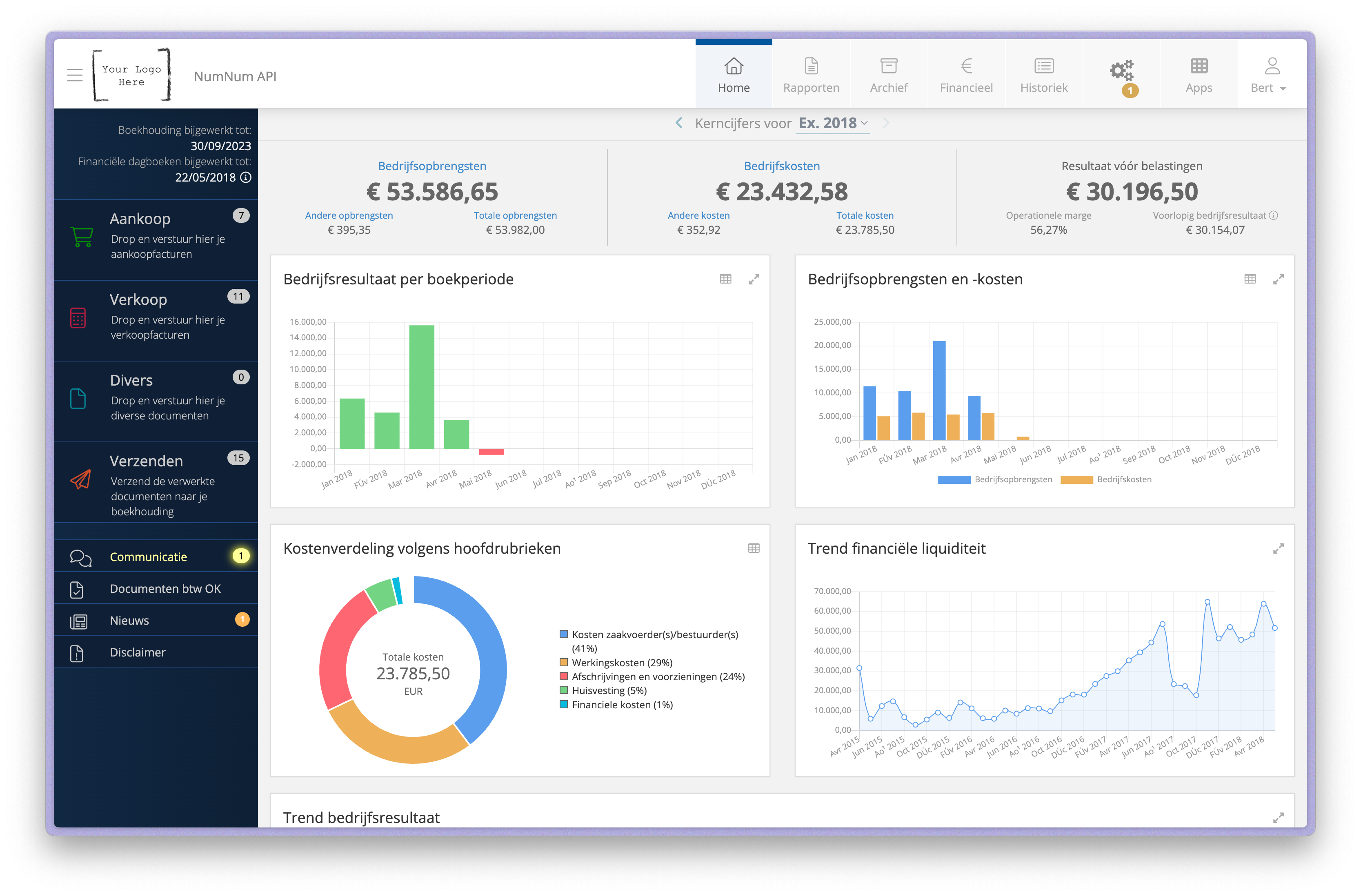
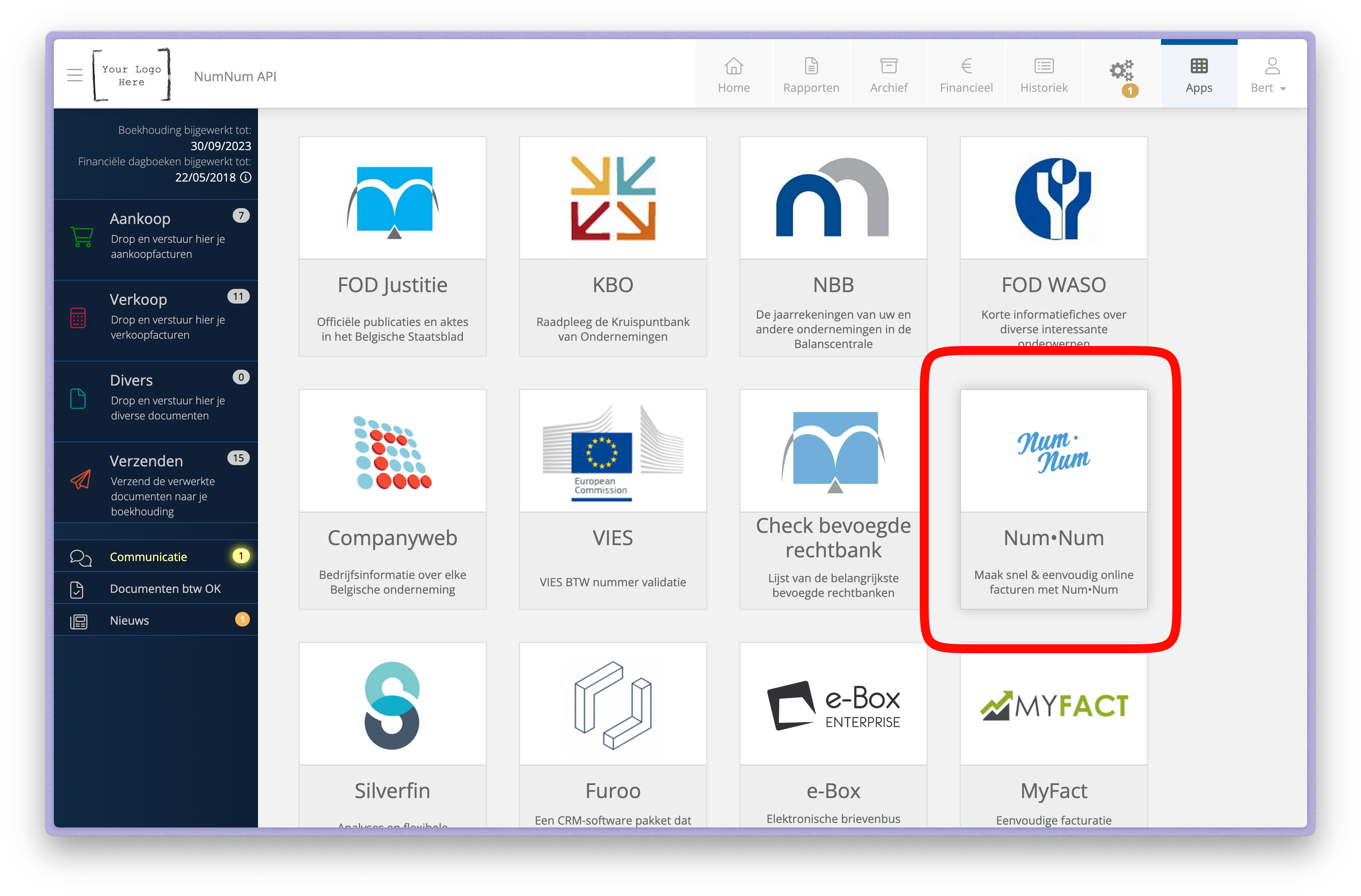
What happens after logging in?
From that moment on, your NumNum and Clearfacts accounts are connected.
Once the integration is active, your sent invoices, credit notes and purchase borderelles are forwarded automatically to your accountant’s Clearfacts file. This happens twice a day, without any action on your part. Payment statuses come back from Clearfacts every night. Read more in Synchronising payment statuses with Clearfacts.
Want to forward a document immediately, without waiting for the next automatic moment, or send older documents after all? You can do so manually:
The selected documents are sent to your Clearfacts file immediately and will be visible to your accountant.
💡 Tip: You can only export documents that you have already sent to your end customer.
Can’t see the NumNum app in the Clearfacts Apps overview? This means the app has not yet been activated for your file.
What can you do?
Contact your dealer or accountant and ask them to activate the NumNum app in Clearfacts. They can set this up through the Clearfacts admin portal.
Are you getting an error message when connecting? Check the following:
