Yuki is a popular online accounting software that many accountants use. Through NumNum, you can forward invoices, credit notes and expenses directly to the Yuki mailbox of your file.
Yuki uses a digital mailbox (an email address per file) to receive documents. NumNum emails your documents with the UBL file (the e-invoicing format) as an attachment, so that Yuki can automatically read and process them.
💡 Tip: the import address of your Yuki file ends in
yukiworks.beoryukiworks.nl. You can find it in Yuki in the settings of your administration (digital mailbox), or ask your accountant for it.
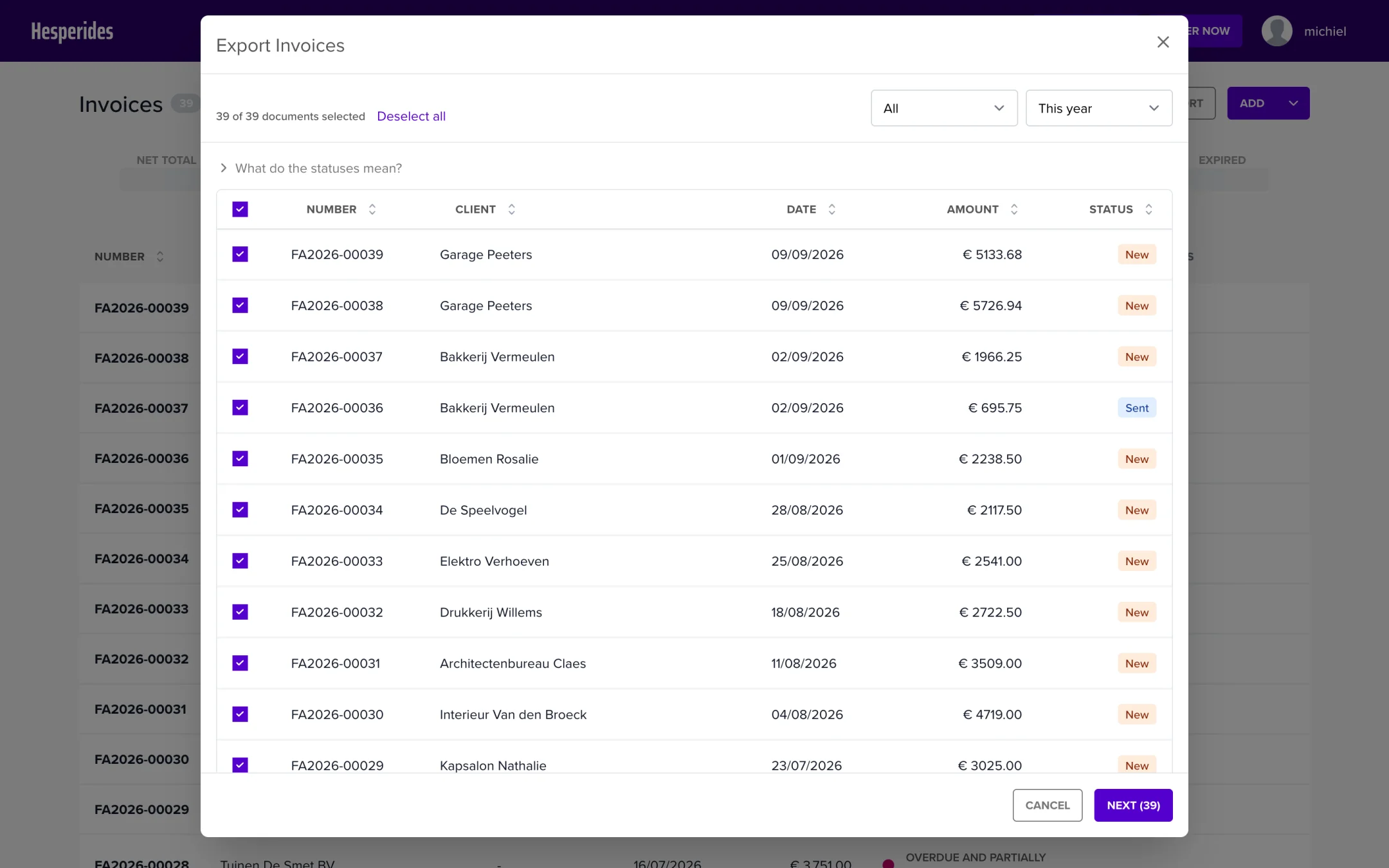
💡 Good to know: NumNum automatically recognises Yuki addresses (
yukiworks.be/yukiworks.nl) as an automatic mailbox. The documents are then always sent as separate emails with attachments, so they are guaranteed to arrive correctly in Yuki. You don’t need to tick anything yourself for this.
You can also make the forwarding fully automatic; you set this up yourself:
From then on, NumNum automatically sends your sent invoices, credit notes and expenses to your Yuki mailbox once a day. Only new documents from the moment you enable it are forwarded; you send your history (one time) via the manual export.
ℹ️ Do you have an active accounting integration (e.g. Clearfacts or Wings)? Then this option is not available: that integration already forwards your documents automatically. You can find more details in the article Forwarding documents to your accountant by email.
| Document type | Exportable |
|---|---|
| Invoices | Yes (after sending) |
| Credit notes | Yes (after sending) |
| Expenses | Yes |
| Purchase slips | Yes |
| Quotes and proformas | No |
In Yuki, in the settings of your administration (digital mailbox). Can’t figure it out? Your accountant can easily look up the address for you.
Yes, you can enter multiple email addresses by separating them with a comma (,) or semicolon (;). This way you can send documents to both Yuki and your own administration at the same time.
Yes. Because NumNum includes the UBL format (e-invoicing standard) as an attachment, Yuki can automatically read and process the documents. Your accountant does not need to retype the data manually.
The advantage of the Yuki method is that nothing needs to be set up: you only need the correct email address.
Are your documents not arriving in Yuki? Check the following:
yukiworks.be or yukiworks.nlStill not working? Contact us at help@numnum.be.
